Skip to content

Changelog

The latest updates and improvements to Commenda

All your conversations, in one place.

All your conversations, in one place.

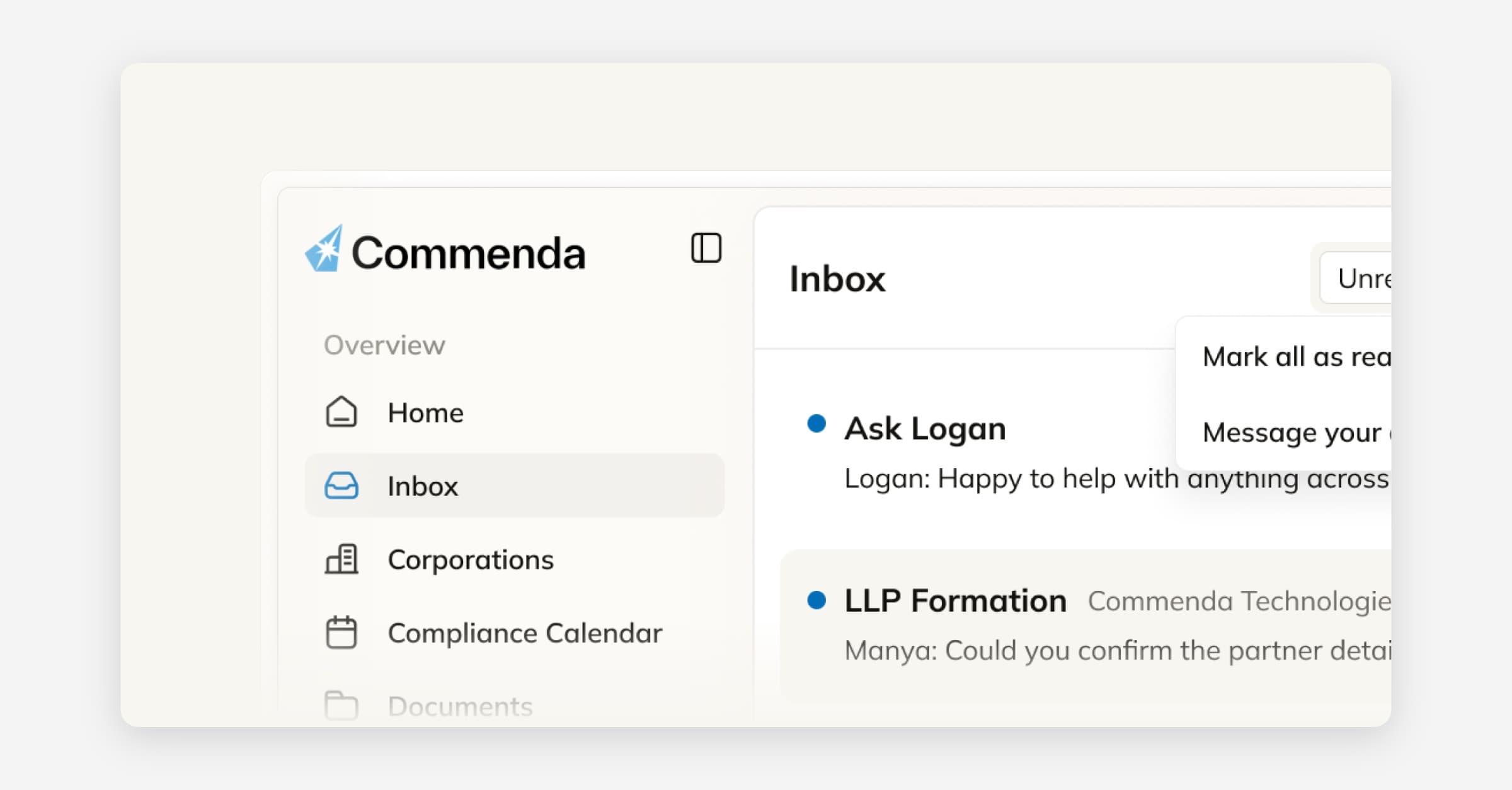
We’ve introduced Inbox as a new tab to help you stay on top of work across services. Track updates, follow up on tasks, and message your team or account manager — without switching between pages.

Each conversation is linked to the service it relates to, so you always have the right context when you need it.

Useful for:

– Keeping track of conversations across services
– Jumping into the latest updates or messages
– Following up without switching between pages
– Keeping all communication in one place

Invite and assign team members to tasks

Invite and assign team members to tasks

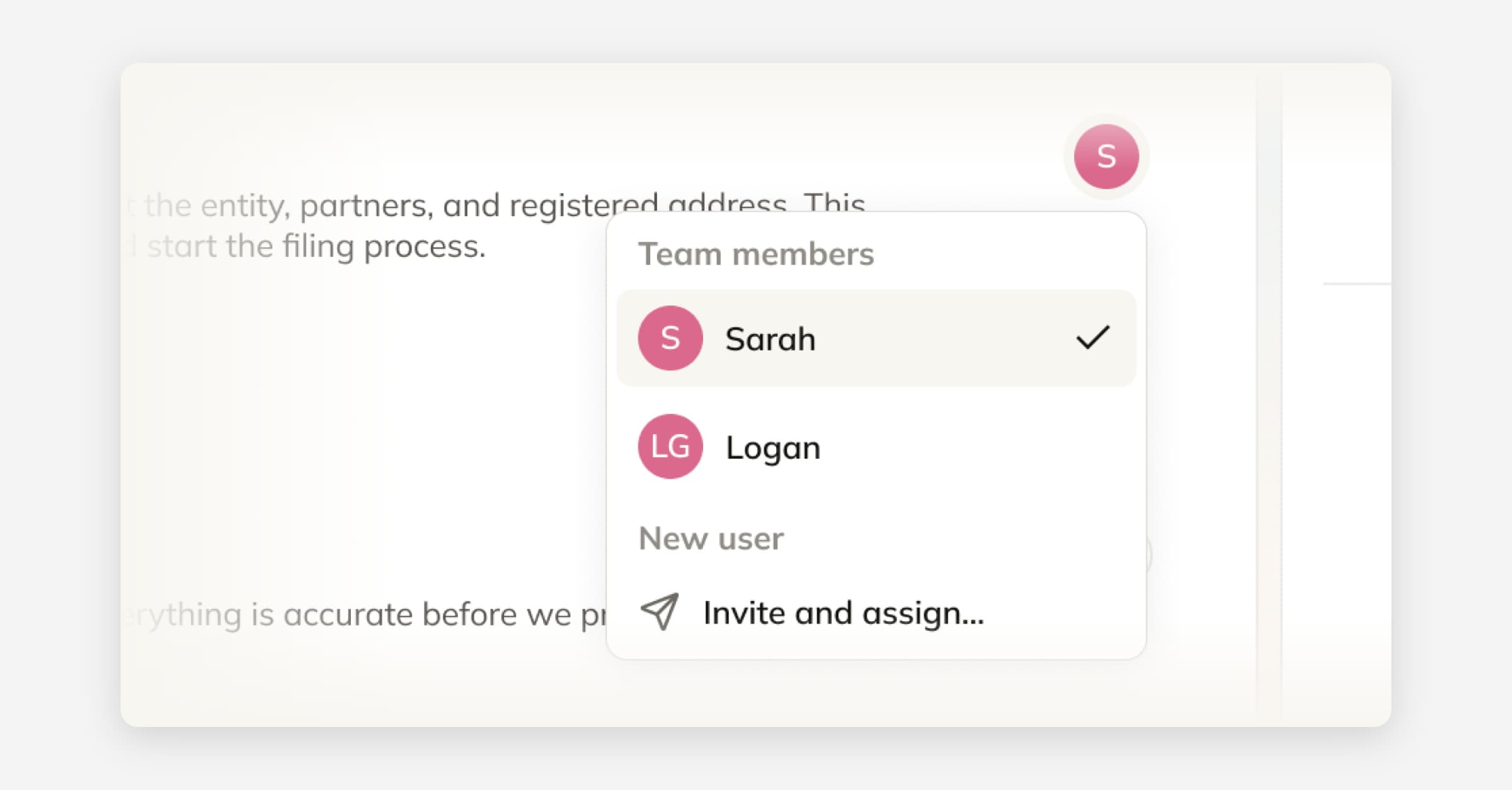
You can now invite and assign team members directly to tasks within a service.

Add the right people to each service to keep ownership clear and work moving. Assign teammates to tasks, bring in new users when needed, and ensure everyone involved has the right context.

Useful for:

– Assigning ownership of tasks within a service
– Collaborating with teammates on ongoing work
– Bringing new users into a specific service when needed
– Keeping accountability clear across entities and workflows

Message your account manager, right from Home

Message your account manager, right from Home

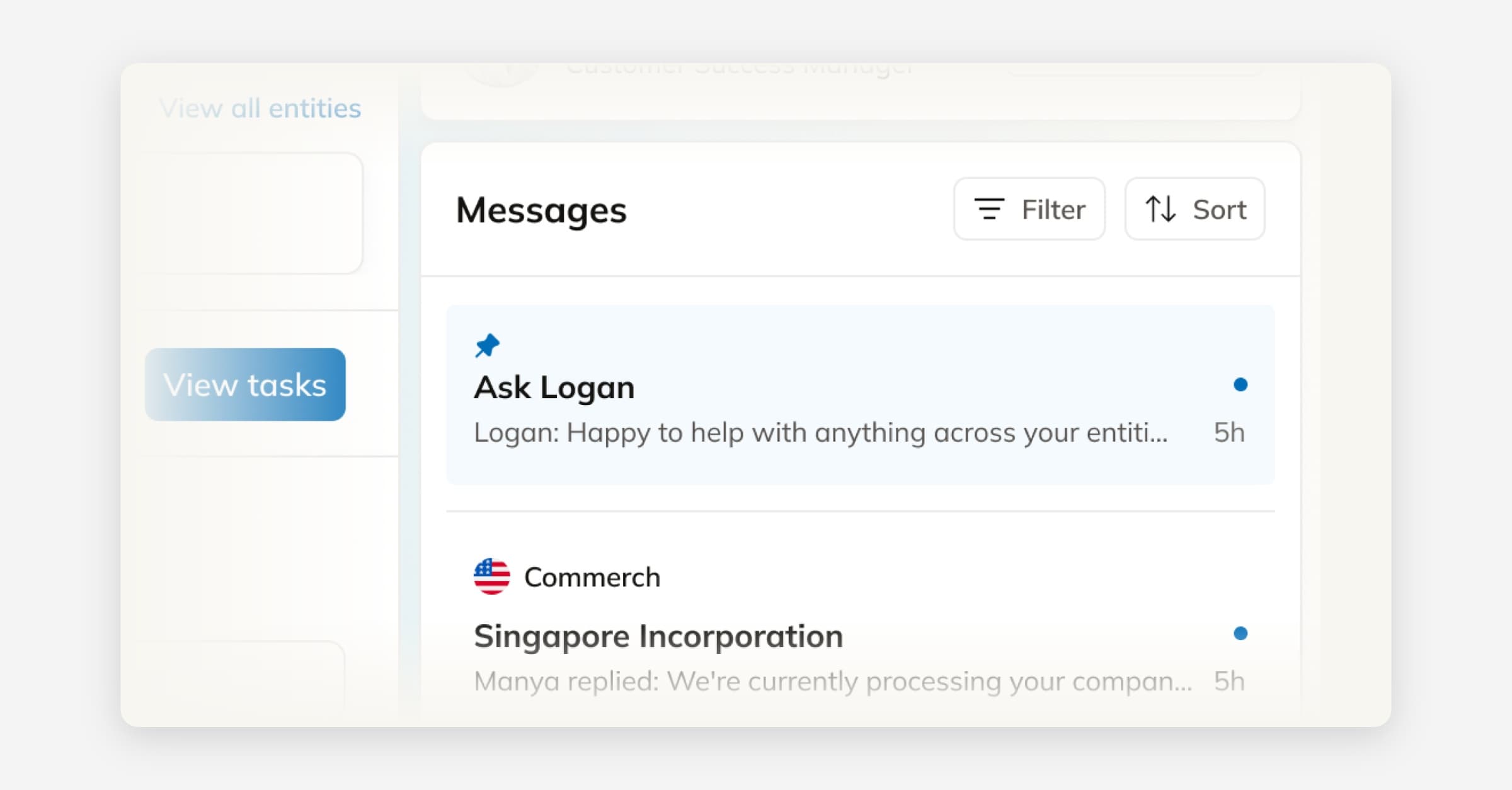
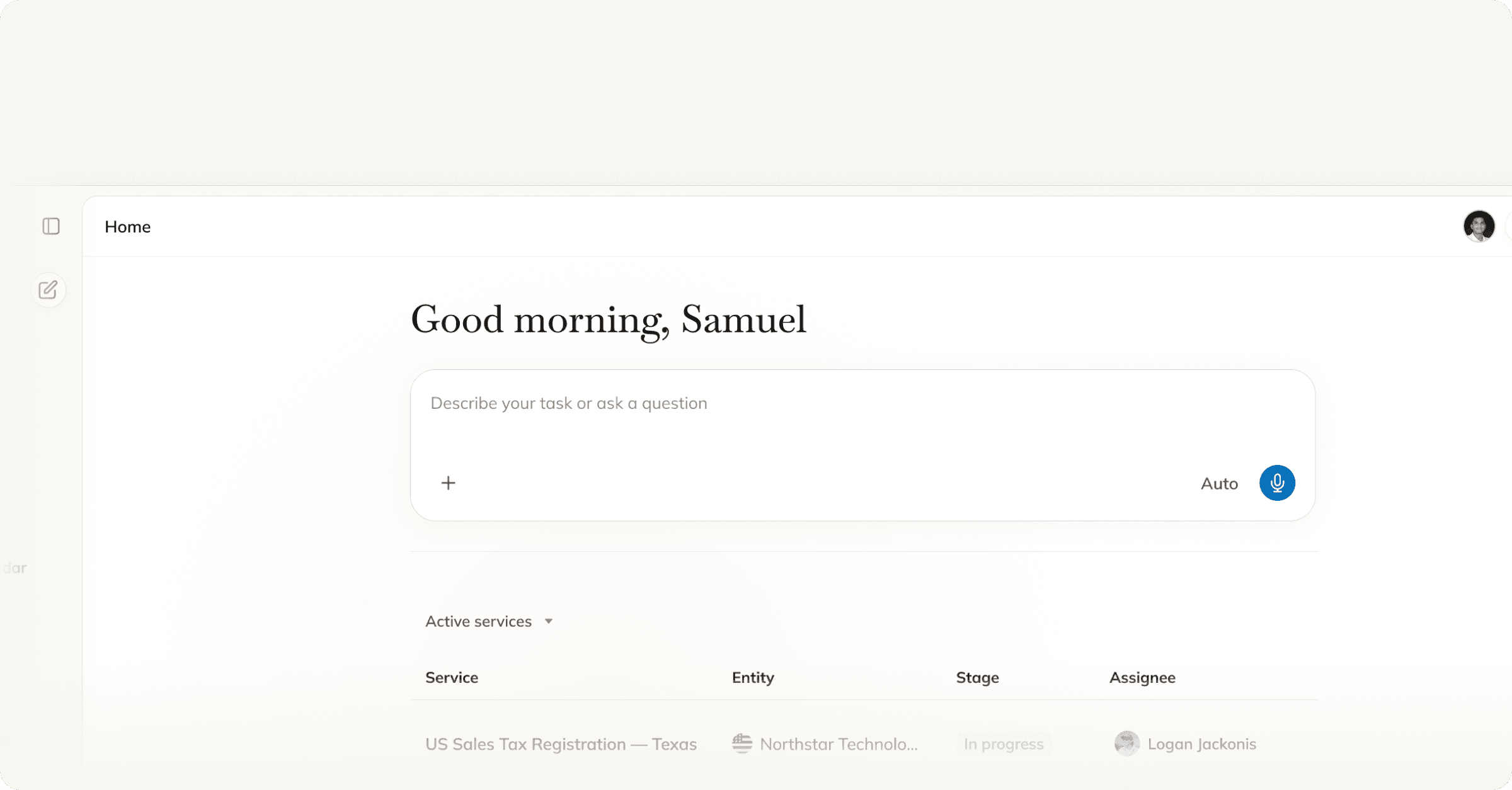
Your account manager is now one click away from your Home page. Ask questions, share business updates, or follow up on work in progress — and every conversation stays in Commenda, next to the services it relates to. Useful for:

  • Questions about your entities or compliance obligations

  • Changes in your business that might affect filings

  • Guidance on next steps or new services

  • Following up on work across jurisdictions

New: Introducing Team Chat

New: Introducing Team Chat

Collaborate with your team directly inside Commenda.

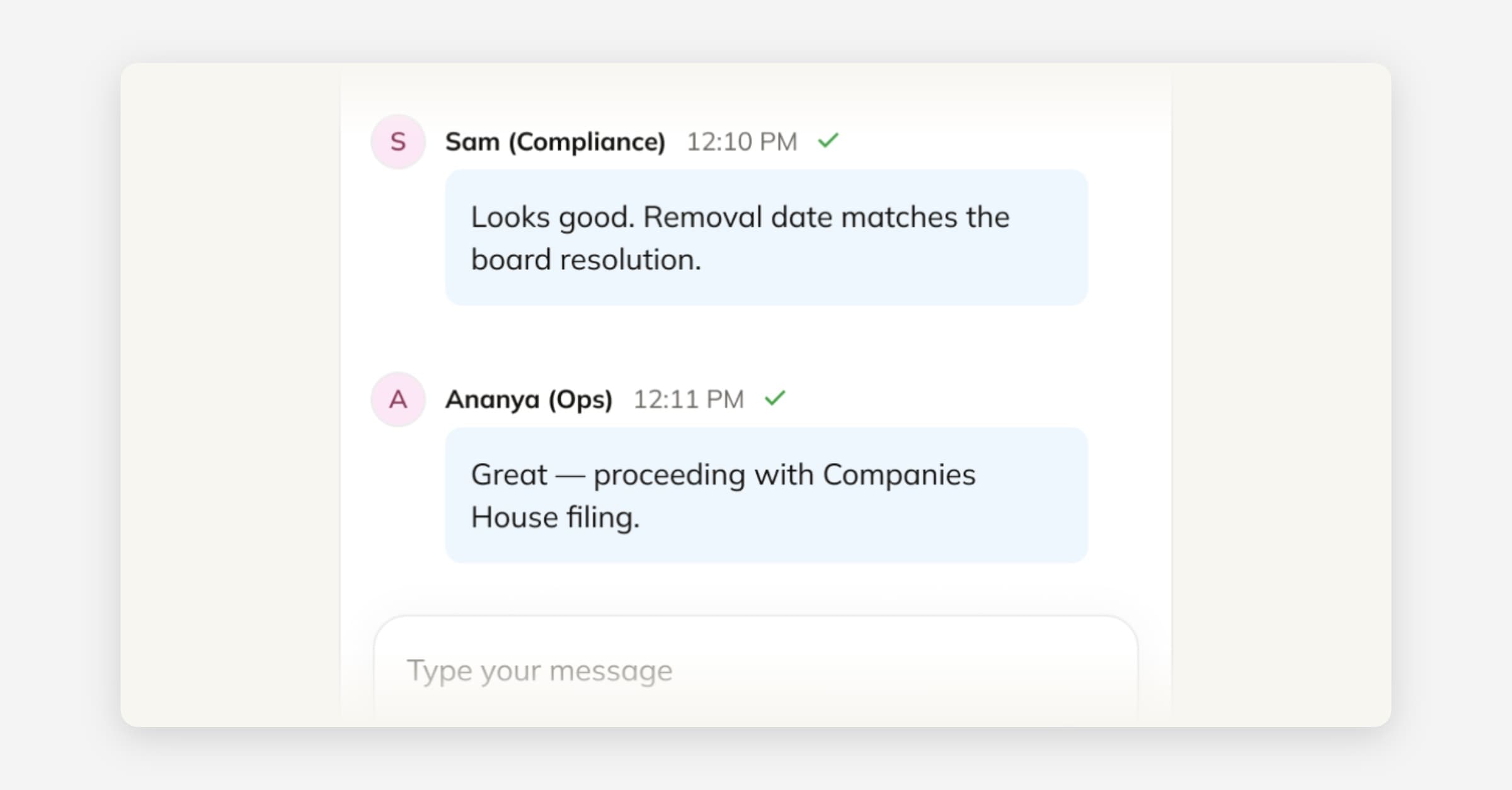
You can now use the Team tab in the Inbox to chat with teammates working on the same service, filing, or registration. Leave notes, ask questions, or share updates as work progresses.

Keeping conversations inside Commenda ensures that all communication related to a service stays in the same thread as the work itself. This makes it easier for your team to track context, review past discussions, and avoid important details getting lost across emails or external chat tools.

Use Team Chat to:

  • leave notes for teammates

  • clarify details about filings or registrations

  • share updates as tasks move forward

  • keep a clear record of decisions and communication for audit traceability


All conversations remain attached to the service, creating a single place to collaborate and track the history of the work.